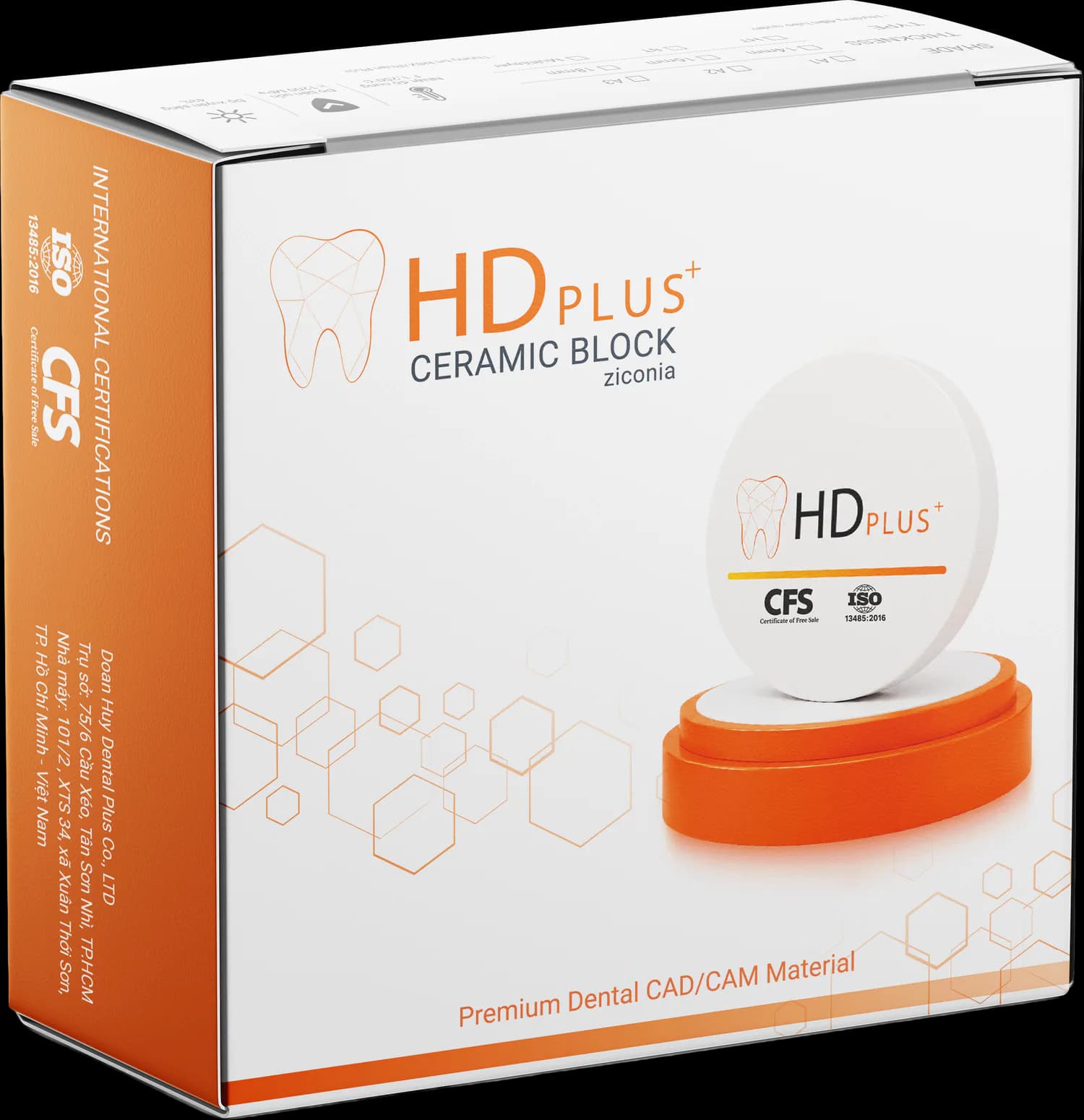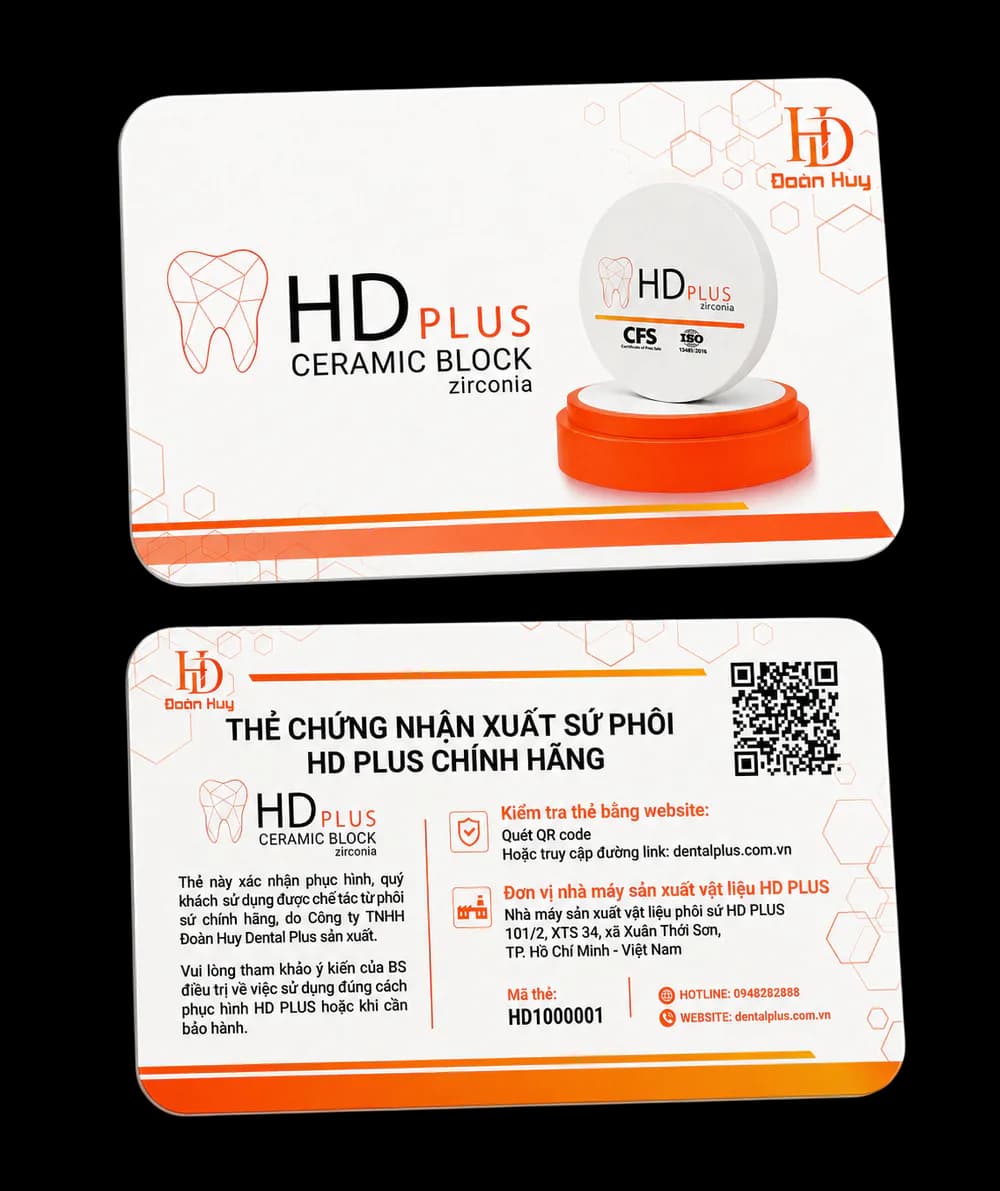
Every HD PLUS box contains a warranty card measuring 8.6 × 5.4 cm. The back carries the title CERTIFICATE OF ORIGIN OF GENUINE HD PLUS BLANKS (in Vietnamese), the card number, a QR code, the hotline and the website. The card confirms that the restoration was fabricated from genuine ceramic blanks manufactured by Doan Huy Dental Plus Co., Ltd.
How to check
- Scan the QR code on the card with your phone camera, or
- Open the warranty-check page on the website and enter the card number (HD plus 7 digits, for example HD1234567).
The result shows the product name, the lot (LOT, date of manufacture, use-by), the issue date and the status of the card.
Possible statuses
- Not activated — a genuine card that has been issued but not yet linked to a restoration.
- Under warranty — activated and within its period.
- Expired — genuine, but past its warranty period.
- Revoked — no longer valid (for example issued by mistake or the order was cancelled).
- Not found or invalid QR code — check the code again or call the hotline.
What information is shown?
The public page shows only minimal information. Clinic, dentist and tooth-position details appear only when you open the card with the exact QR code printed on the physical card — meaning you hold the real card. Patient identifiers are never shown publicly.
When a card shows a "looked up many times" notice
If a code is looked up unusually often, the system shows a neutral notice and asks you to call the hotline for verification. This is only a prompt for further checks and is not a conclusion that the product is counterfeit.
Activating the card
The laboratory or clinic activates the card when placing the restoration: open the card with the QR code, then enter the clinic, dentist, restoration type, tooth positions and placement date. The warranty period counts from the activation date and is printed on the card.
Need help?
If a card is lost, damaged or its details do not match, call the hotline printed on the card.