FeaturedProducts
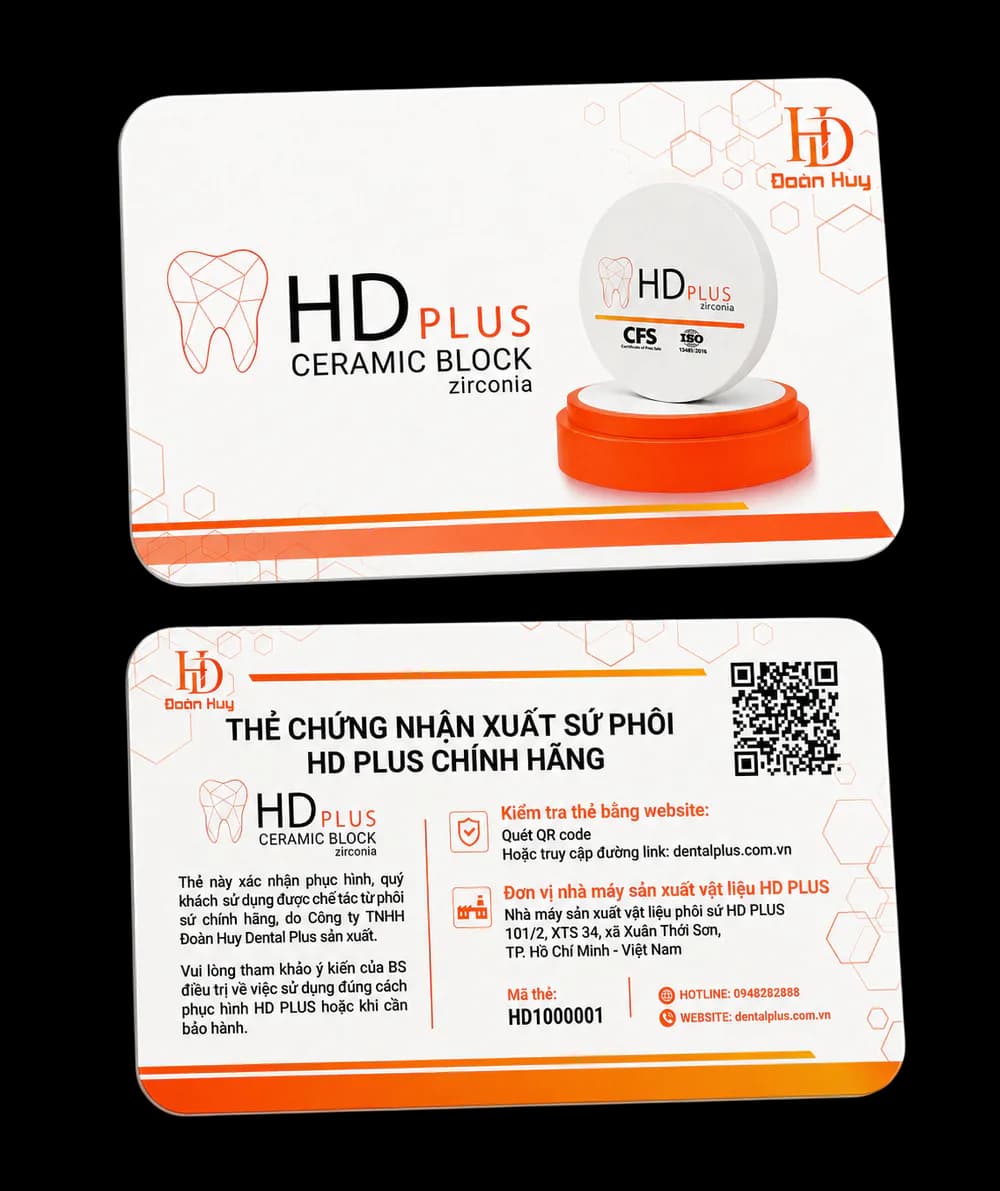
How to check a genuine HD PLUS warranty card with the QR code
Scan the QR code or enter the card number (HD plus 7 digits) on the website to see whether the card is not yet activated, under warranty, expired or revoked.
News
Notes from Doan Huy Dental Plus on zirconia restorations, the CAD/CAM workflow, HD PLUS blanks and how to use the warranty card.
8 articles
Scan the QR code or enter the card number (HD plus 7 digits) on the website to see whether the card is not yet activated, under warranty, expired or revoked.
Keep blanks dry at room temperature, check the lot label and use-by date, follow the 12 steps and never clean with steam — key points from the instructions for use.
HD PLUS blanks come in eight thicknesses from 10 to 25 mm, three shades A1–A3 and three types HT, ST and Multilayer. Criteria for picking the right blank for each case.
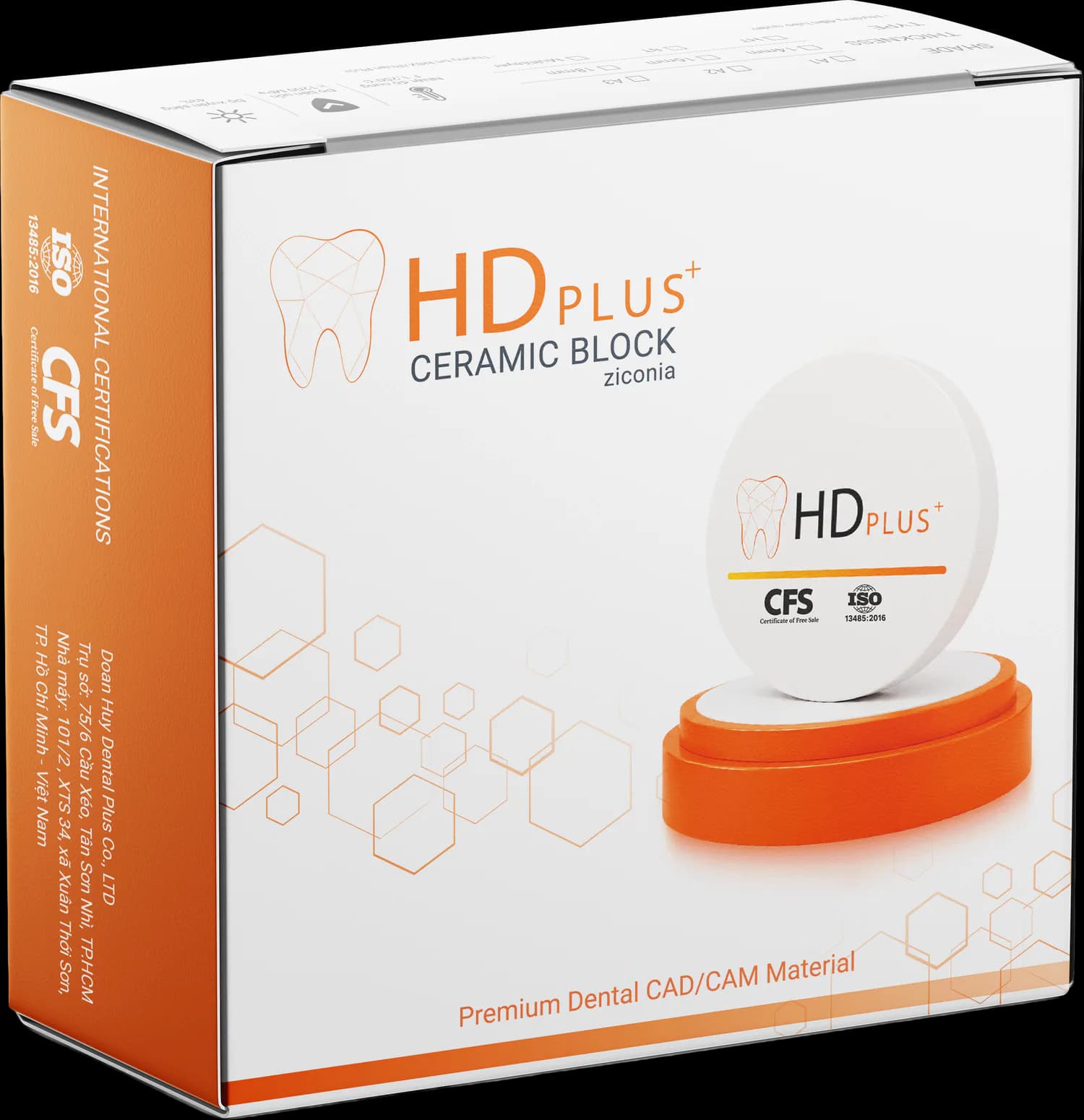
Doan Huy Dental Plus introduces the HD PLUS Ceramic Block set of six components: box, disc face, warranty card, inner label, edge sticker and instructions for use.
A comparison of two common approaches: all-zirconia teeth with no porcelain layer and two-layer teeth with a zirconia framework and porcelain — strengths, limits and selection criteria.
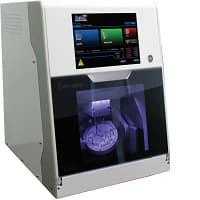
The steps of fabricating a zirconia restoration with CAD/CAM, following the HD PLUS instructions for use: milling, staining, sintering, sandblasting, layering and try-in.
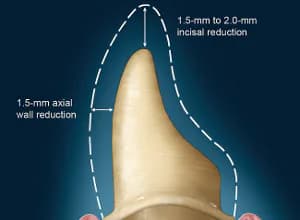
Tooth preparation is the key to restoration success, so principles of tissue conservation, abutment shape and finish line must be followed.
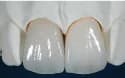
When a tooth has large decay or fracture and a direct filling would not last, the dentist may consider a ceramic crown to protect the remaining tooth. This article reviews common situations.
Contact
Send us a request for a quote or technical advice. The Doan Huy Dental Plus team will get back to you.